
Marks Manager: Manage Programs
The Program Info section displays scope and sequence documents and license information for each installed Essential Skills program.
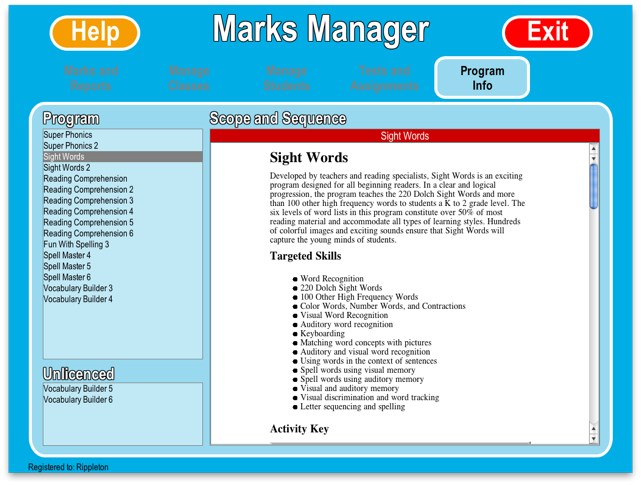
On the left hand side of the screen is a list of these programs. Simply select one of these programs to display its information.
The right-hand panel then displays that programs "Scope and Sequence" document, which outlines the program's targeted skills, and summarizes the content and required skills for each activity in the program.